
Understanding Rate Limiting in APIs
Rate limiting. Sounds like something to avoid, right? But in the API world, it’s the unsung hero. Think of it as the bouncer for your server, managing how many requests it can take at once. This helps your API avoid the chaos of a Mumbai local train at rush hour.
What’s the aim here? Keeping your API traffic in check. You don’t want your MVP to buckle under pressure. Rate limiting ensures smooth performance and fair play among users.
And then there’s user experience. We’ve all been there—an app that drags its feet or just crashes. That’s what happens when APIs get overwhelmed. A good rate limiting strategy keeps things running smoothly and users happy.
Need some help? Rescue service for API challenges could be your go-to for keeping that API shipshape.
Why Rate Limiting is Essential for MVPs
Scalability and reliability—two words every startup founder should tattoo on their brain. Building an MVP isn’t just about a product. It’s setting the stage for growth and adaptation.
That’s where rate limiting comes in. It’s your MVP’s safety net, ensuring it scales without crashing under demand spikes.
For startups, it’s more than just a tech requirement. It’s a smart move. Implementing rate limiting can mean the difference between a successful launch and a public relations headache.
Common Technical Challenges in Implementing Rate Limiting
Alright, so we know rate limiting is crucial. But implementing it? That’s where the rubber meets the road. Let’s talk challenges.
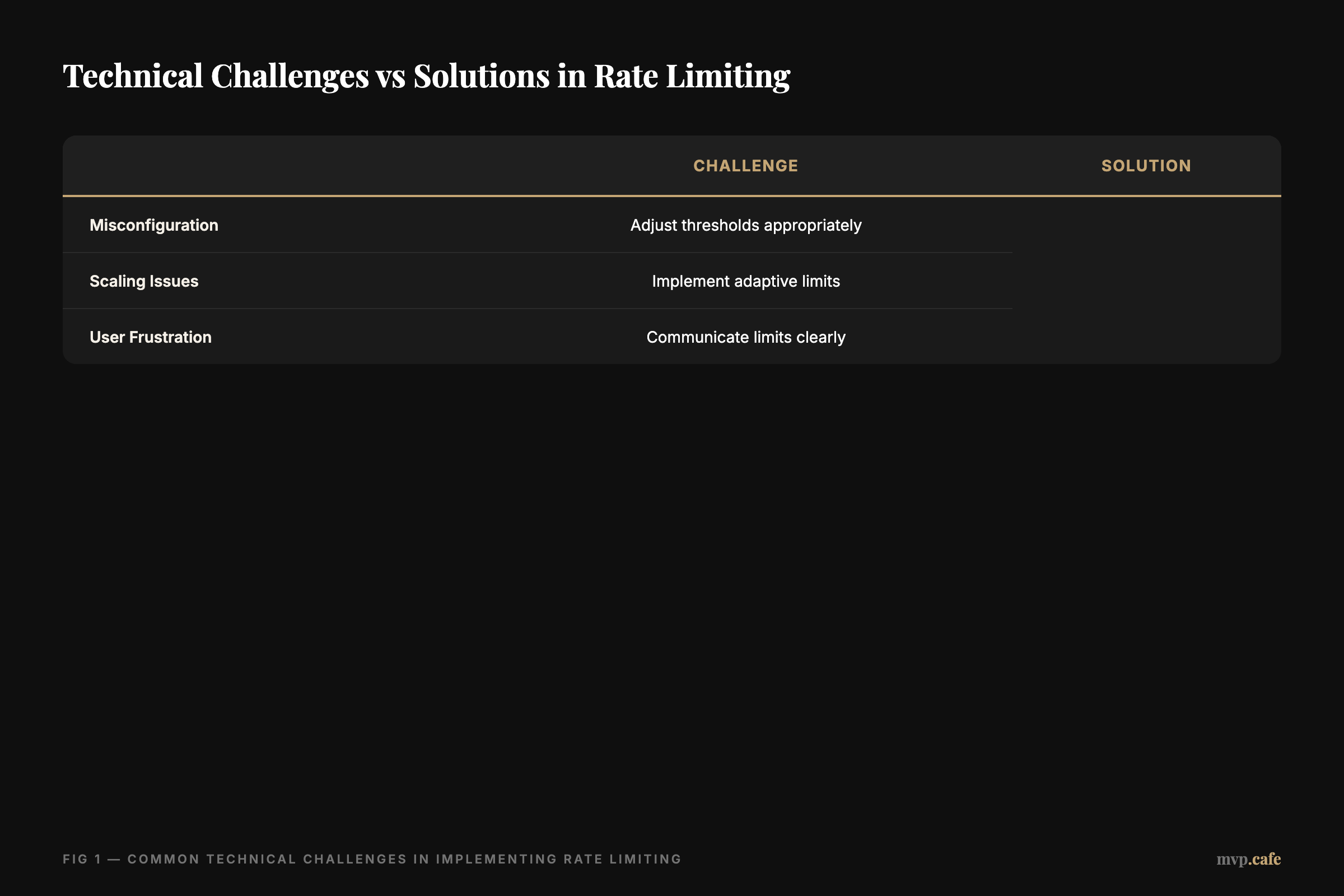
First off, misconfiguration. Too high, and you risk crashing servers. Too low, and you frustrate users. And then there’s scaling. As your user base grows, your rate limiting strategy needs to keep pace.
I’ve been through this with ZeoAuto and UTMStamp. At ZeoAuto, we underestimated demand initially. It led to some performance hiccups. But with tweaking and testing, we found our groove.
Another common issue? Ignoring user feedback. Users can get frustrated with rate limits if they’re not communicated well. Setting clear expectations and feedback channels is crucial.
For more on ZeoAuto’s approach, check out the ZeoAuto case study.
Step-by-Step Guide to Implementing Rate Limiting
Ready to get into the details? Here’s the roadmap.
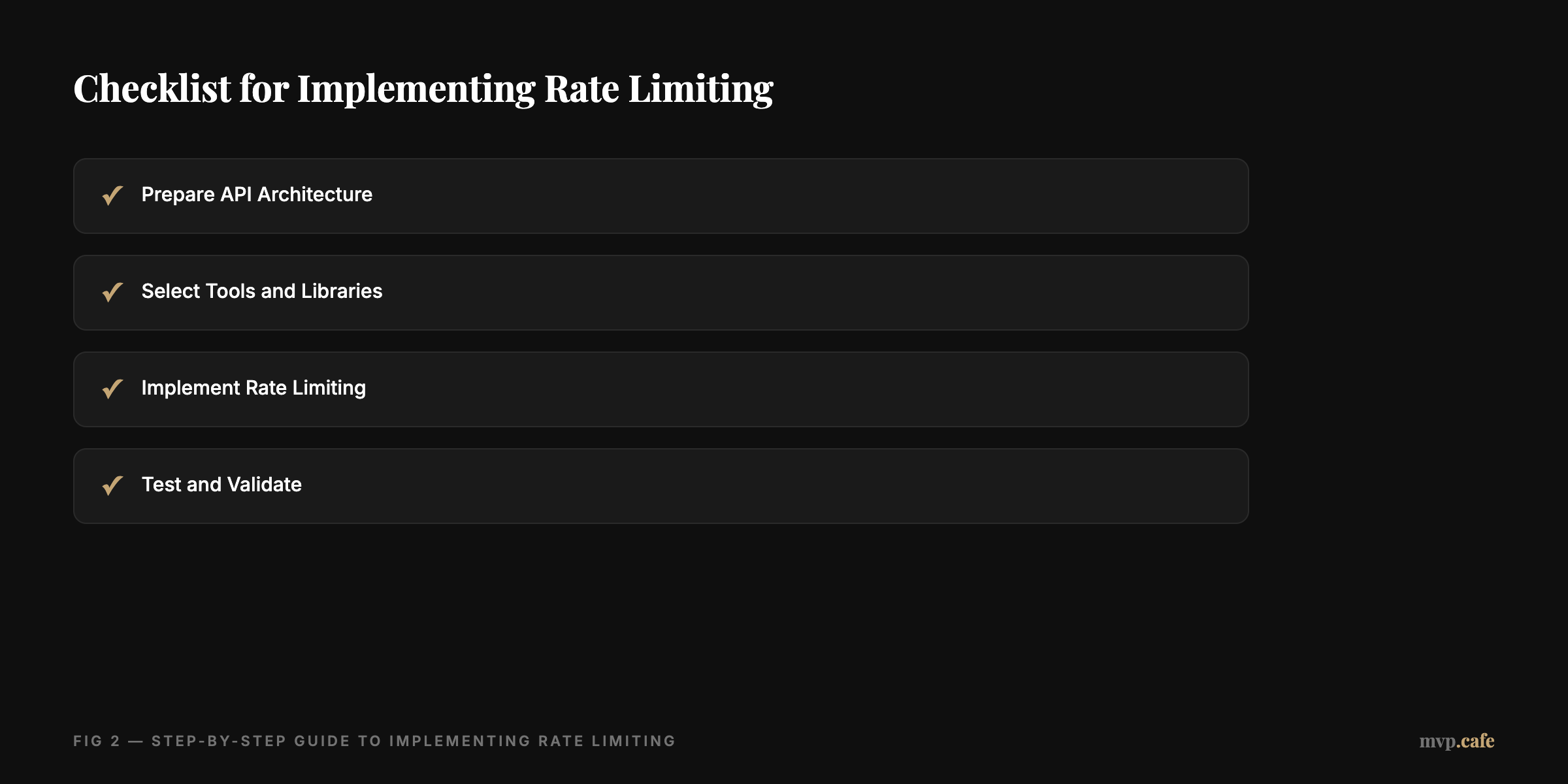
Step 1: Prepare Your API Architecture
Before anything else, make sure your API is ready. This means having a solid infrastructure that can scale.
Step 2: Select the Right Tools and Libraries
There are plenty of options—open-source libraries, commercial tools. Pick one that fits your needs without a hitch.
Step 3: Implement Rate Limiting
Here comes the fun part. Set thresholds for various endpoints. Here’s a simple code snippet:
from some_rate_limiting_library import RateLimiter

limiter = RateLimiter(max_requests=100, period='hour')
Step 4: Test and Validate
Testing is key. Simulate traffic scenarios to ensure your limits are spot on. Adjust as needed and keep an ear out for user feedback.
For a deeper dive, consider a Strategy sprint for MVP improvements.
Pitfalls to Avoid in Rate Limiting Implementation
Mistakes happen. But in rate limiting, they can cost you.
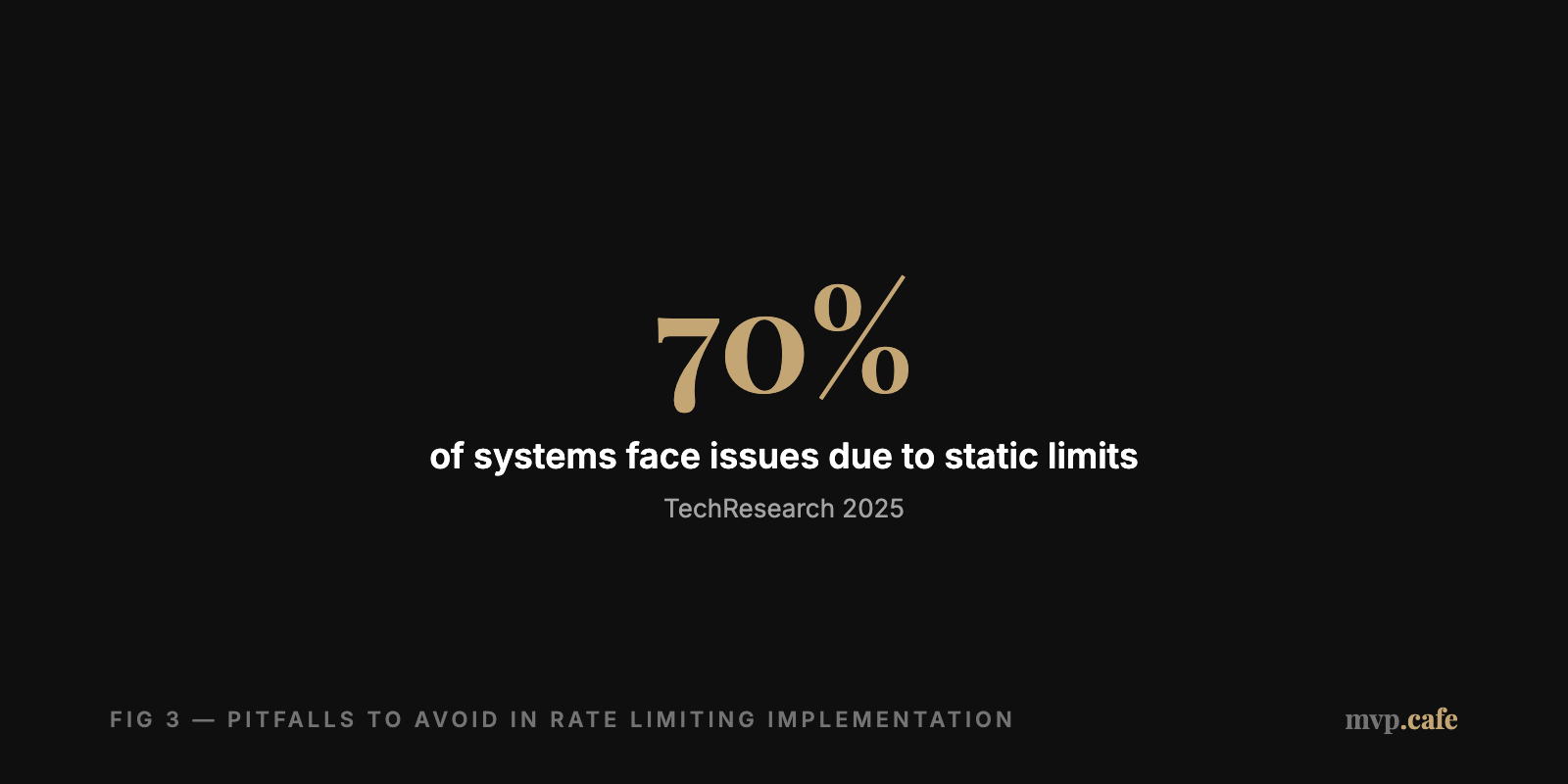
Common errors? Static limits that don’t adapt as you grow, or failing to monitor traffic properly. These can either overload your system or annoy users.
The fix? Adaptive limits that change with real-time data, and ongoing monitoring to nip issues in the bud. This way, users enjoy a seamless experience without straining performance.
Case Study: ZeoAuto’s Journey with Rate Limiting
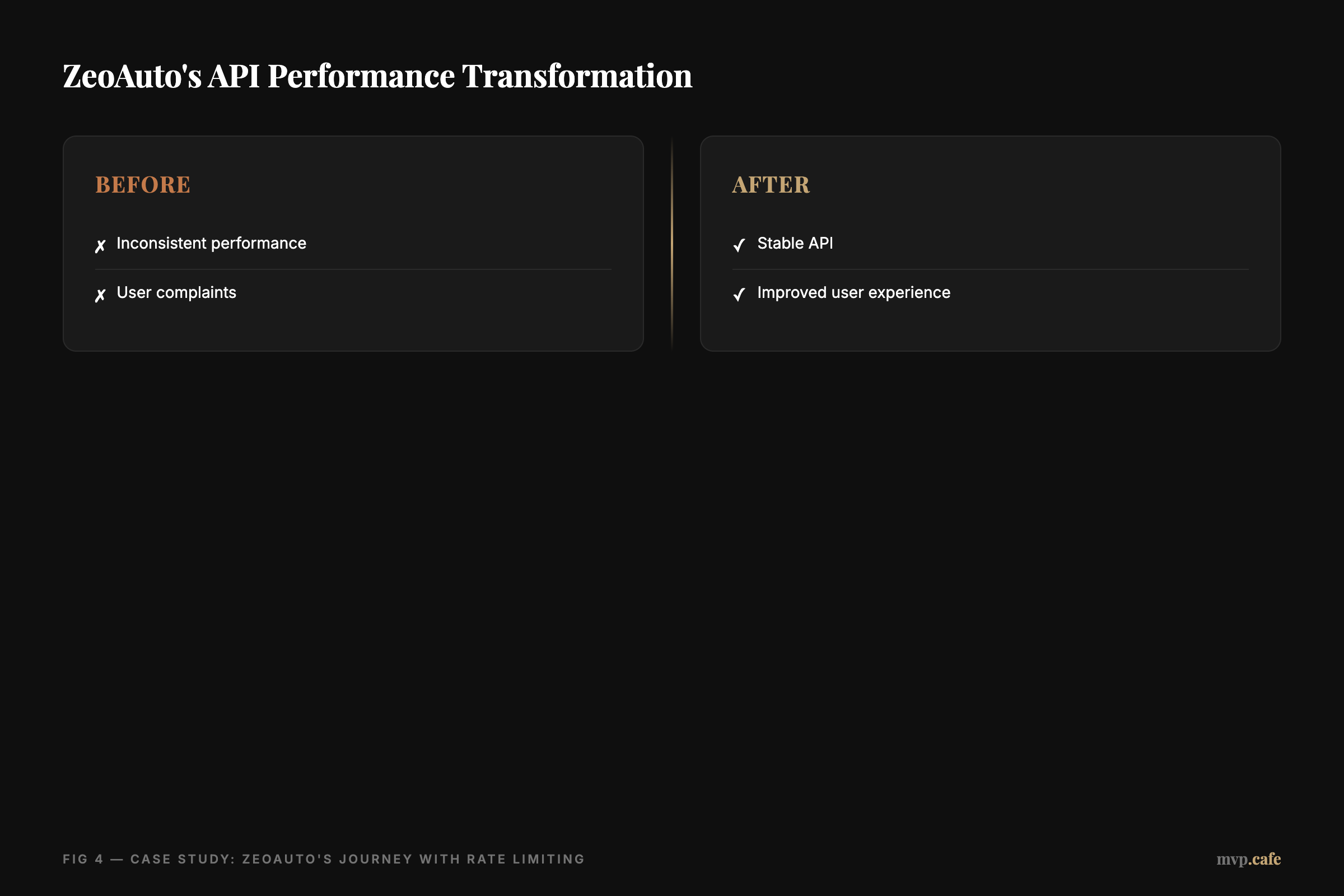
Let’s talk about ZeoAuto. They hit bumps with inconsistent API performance under high demand. The fix was a dynamic rate limiting strategy.
By keeping an eye on traffic and adjusting accordingly, ZeoAuto saw a big boost in reliability. The outcome? Smoother user experience and better scalability.
The takeaway? Flexibility and adaptation. ZeoAuto’s journey shows the power of a custom rate limiting approach, proving that one size doesn’t fit all. [INLINE IMAGE: before-after — Before and after rate limiting implementation in ZeoAuto]
Best Practices for Rate Limiting in MVP APIs
Want to get the most from rate limiting? Here’s how:
- Use Adaptive Limits: These change with traffic, keeping performance optimal.
- Monitor and Analyze: Keep a regular check on your API’s health to catch issues early.
- Transparent Communication: Keep users in the loop about limits to ease frustration.
These practices lead to a robust, user-friendly API, setting your MVP up for long-term success. For more insights, try our Evaluate your API with Build Score.
Remember, rate limiting isn’t just about holding back—it’s about creating a thriving environment for your MVP.